
Visual Progress Tracker: See Your Goals in Motion
You set a goal in January. By April, it feels distant and vague — like something you’re supposed to be working on but can’t quite see. Not because you forgot, but because you never made it visible.
That’s the problem a visual progress tracker solves. Not with more motivation, not with a better mindset — just by making your progress impossible to ignore.
Why seeing progress changes everything
There’s a well-documented phenomenon in behavioral science called the endowed progress effect. In a 2006 study by Nunes and Dreze, participants who received a loyalty card with two stamps already on it (out of 10 needed) completed the card at dramatically higher rates than those who started with a blank 10-stamp card — even though both groups needed the same number of stamps to finish.
The difference was perceived progress. When you can see you’ve already come somewhere, your brain treats completion as more worthwhile.
This is why progress bars work. Why checklists feel satisfying. Why crossing something off a list gives a small rush of dopamine. Visual progress trackers harness that same mechanism — turning the abstract (“I’m working toward my goal”) into the concrete (“I’ve completed 4 of 10 milestones”).
The progress principle, identified by Harvard researchers Teresa Amabile and Steven Kramer, reinforces this: visible progress on meaningful work is the single biggest driver of daily motivation. Without a way to see that progress, you miss the motivational signal entirely.
Types of visual progress trackers
Visual tracking doesn’t require fancy software. The best format depends on what you’re tracking and how you think.
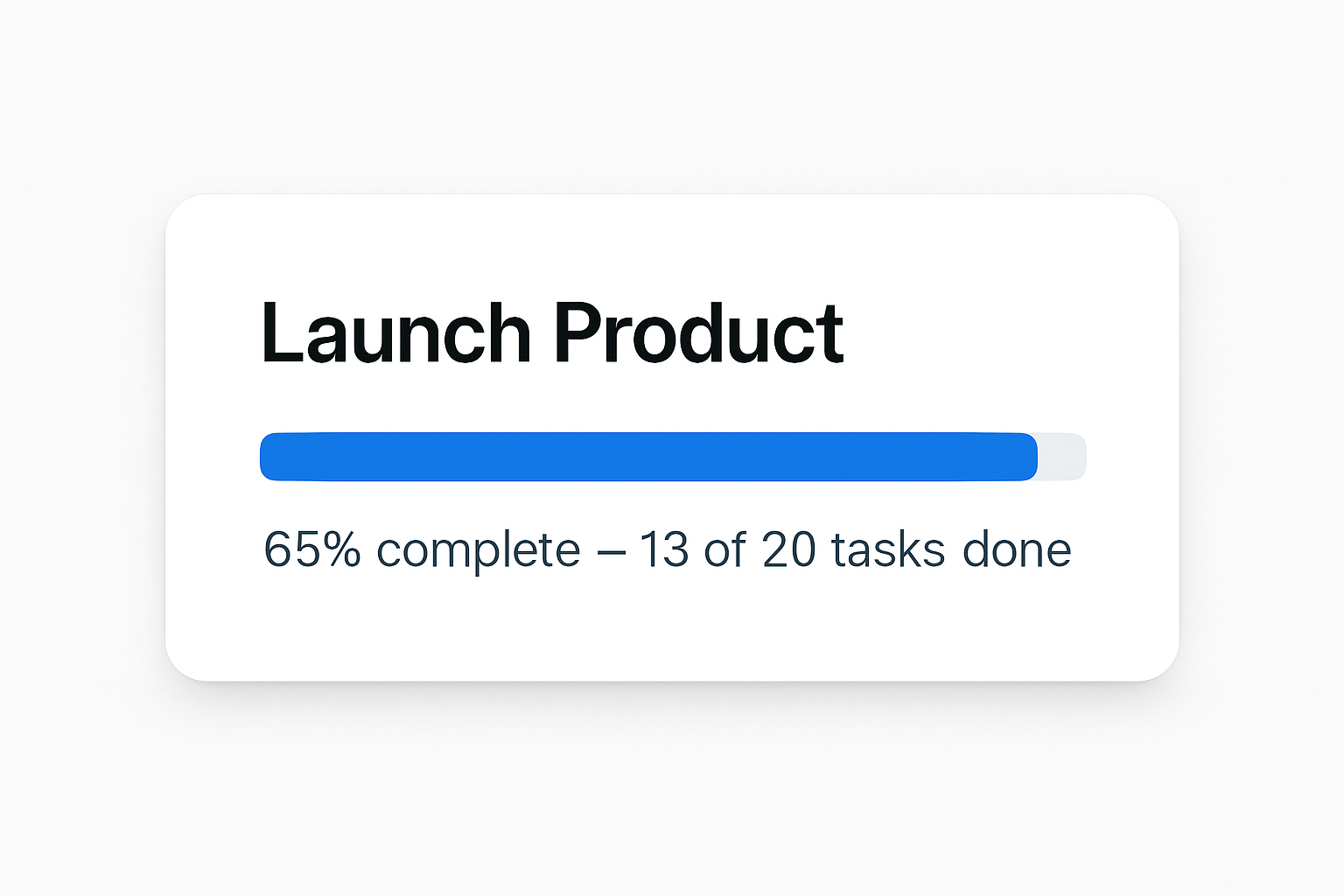
Progress bars and percentages
Best for: goals with a clear numeric endpoint (run 100 miles this year, read 24 books, hit $10K MRR).
A progress bar translates your current position into an instantly readable signal. At a glance, you know if you’re ahead, on pace, or behind — no math required. Digital goal tracking tools often include these automatically; analog versions can be hand-drawn on paper or in a notebook.
Milestone maps
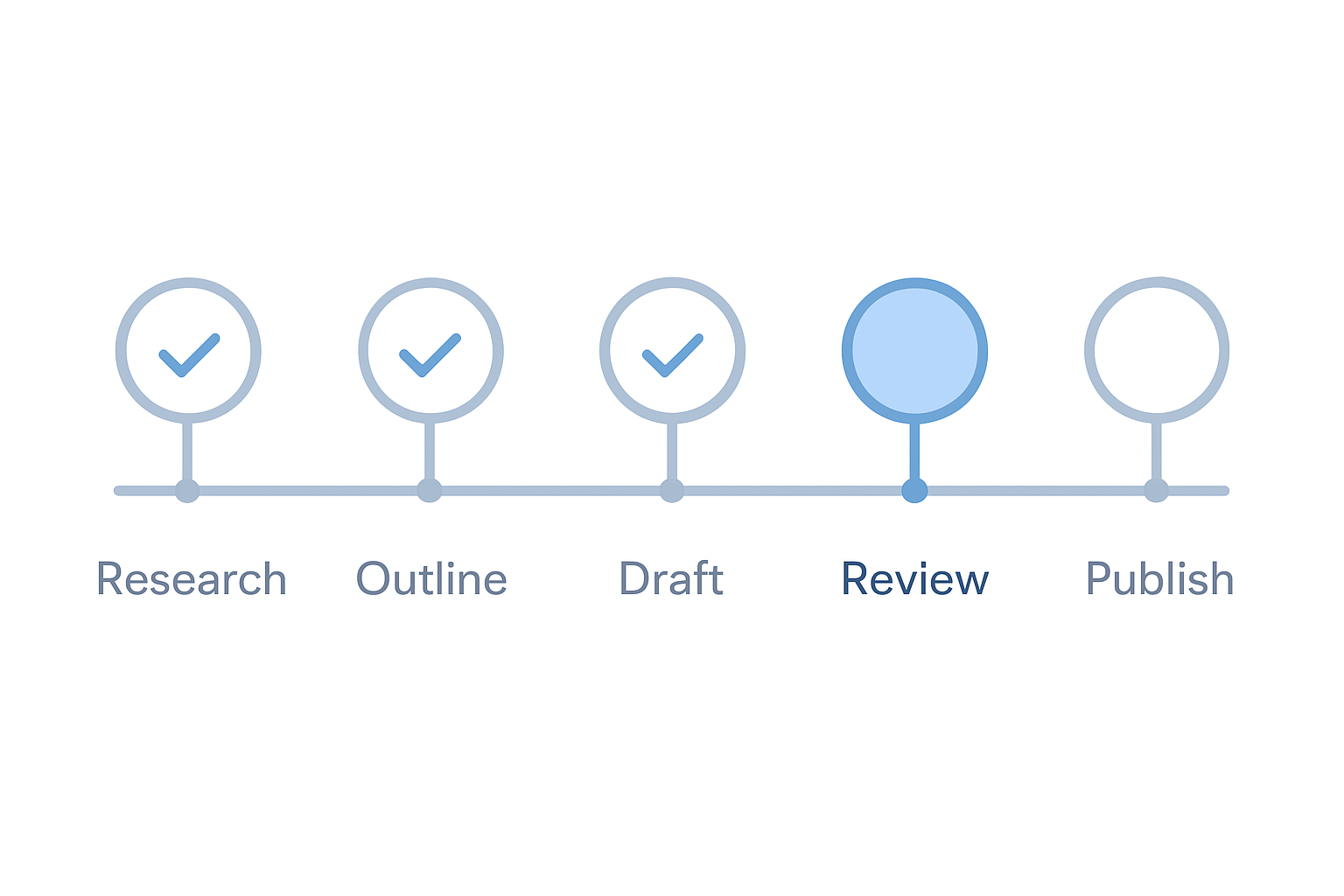
Best for: multi-stage projects or goals that don’t have a single number (launch a product, learn a skill, complete a renovation).
Break the goal into 4–8 milestones and lay them out as a visual path or checklist. Each completed milestone gets checked off or highlighted. You always know where you are in the journey and what comes next.
Streak trackers and calendar grids
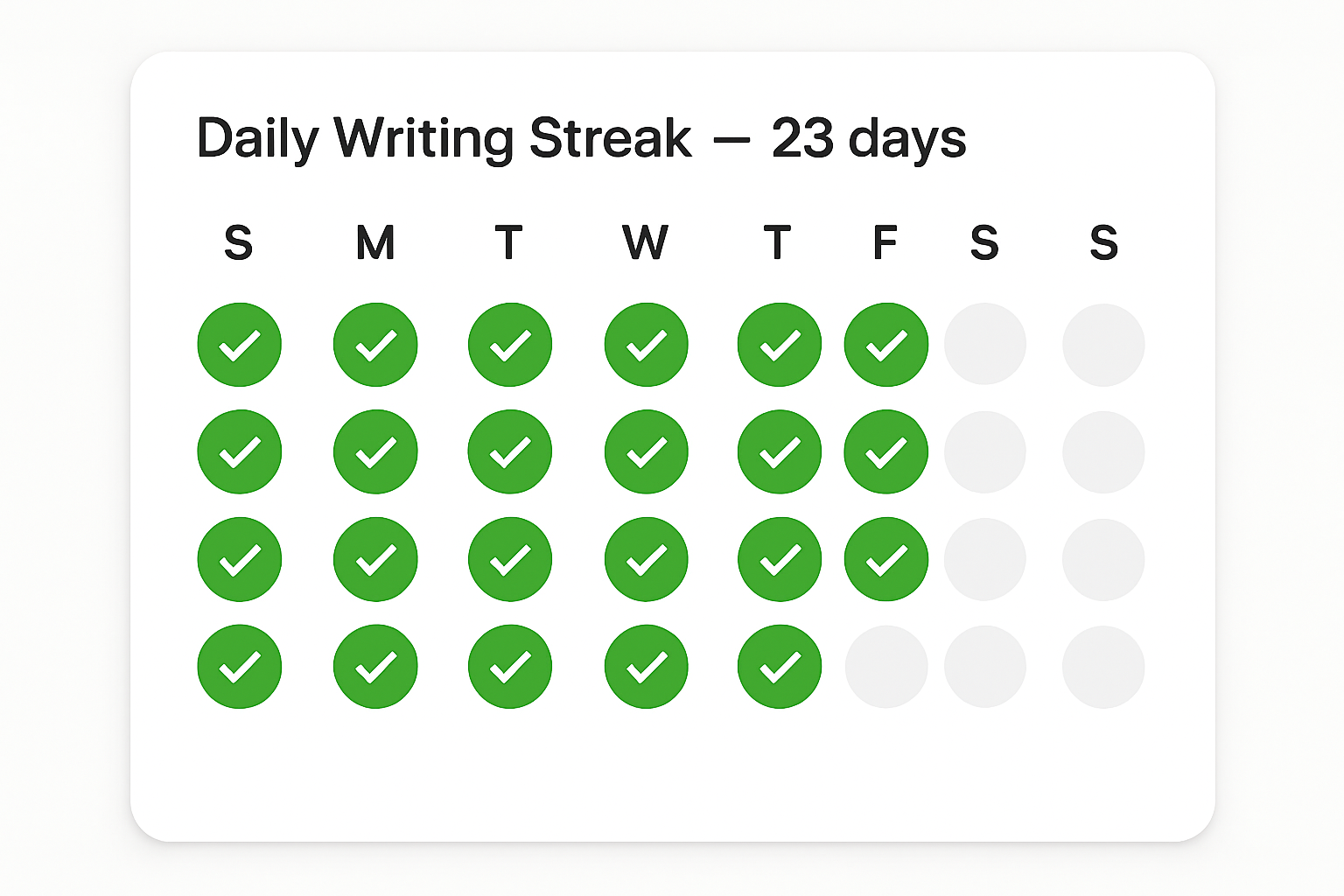
Best for: habits and daily behaviors (workout streak, writing every day, no-spend days).
Sometimes called the “Seinfeld strategy” — mark an X for every day you complete the target behavior. Your only job is to not break the chain. The growing chain of Xs becomes its own visual reward.
Kanban boards
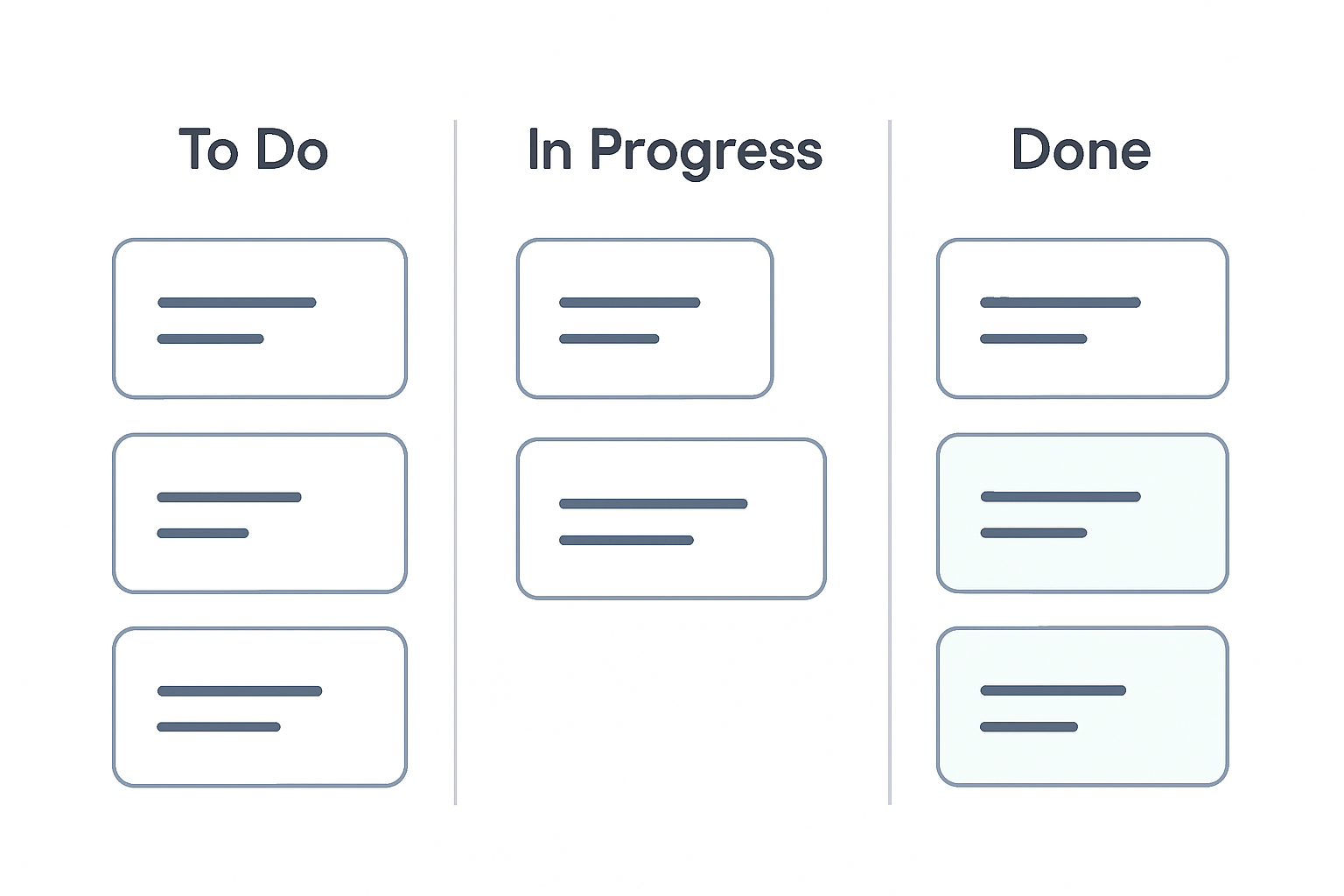
Best for: task-heavy goals where the flow of work matters (product development, content creation, business projects).
Columns like “To Do,” “In Progress,” and “Done” let you track progress across multiple items simultaneously. Seeing cards move from left to right gives the same progress-feedback loop as other visual formats.
What to track — and what not to
A visual progress tracker only helps if you’re tracking the right things.
Track outcomes and milestones. Not every action you took, but meaningful forward movement. “Completed market research” is a milestone. “Sent 3 emails” is a task — it might feed into progress, but it’s not the thing you’re ultimately after.
Keep the number of active visual trackers small. Three to five goals maximum. More than that and the visual clarity you’re going for turns into visual noise. If you’re struggling to prioritize, pare down to your actual top priorities before building a tracker around them.
Review it on a schedule. A tracker you never look at is just a decoration. Weekly is usually the right cadence for goal-level progress — enough to stay connected to your trajectory without the anxiety of daily scrutiny.
Building your visual progress tracker
You don’t need a complex system. Here’s a simple approach to get started:
- Name your goal clearly — one sentence, specific and measurable where possible
- Break it into 4–8 milestones — meaningful checkpoints between now and done
- Choose your visual format — progress bar, milestone map, streak grid, or kanban
- Put it somewhere you’ll see it — your task manager’s goal view, a sticky note, a whiteboard section, or a dedicated page in your notebook
- Update it at least weekly — after your weekly review or whenever a milestone is complete
Tools like Focus Pocus pair visual progress tracking with daily task prioritization — so the milestones you’re tracking are directly connected to the work you do each day, not floating in a separate app.
Progress you can see is progress you’ll make
The biggest reason goals fail isn’t lack of motivation or discipline. It’s the absence of feedback. When progress is invisible, it stops feeling real — and work that doesn’t feel real is easy to postpone.
A visual progress tracker fixes that. It makes the journey tangible, gives your brain the signals it needs to stay engaged, and turns a distant goal into a series of visible wins.
Start with one goal. Pick a format. Make it visible. That’s it.
For more on building goal accountability systems that last, see how tracking connects to your broader goal-setting practice.
Ready to take control of your productivity?
Focus Pocus helps you manage tasks, track goals, and do deep work — all in one place.
Get Started with Focus PocusRelated Articles
Identity-Based Goals: Focus on Who You Want to Become
Research shows that aligning goals with identity produces deeper, more lasting change. Learn why 'becoming' outperforms 'achieving' as a strategy.
Implementation Intentions: The If-Then Plan for Goals
A meta-analysis of 94 studies shows if-then planning nearly doubles follow-through. Learn this research-backed technique for achieving your goals.
The Progress Principle: How Small Wins Fuel Motivation
Teresa Amabile's research reveals that small wins are the single strongest driver of motivation at work. Learn how to harness the progress principle.